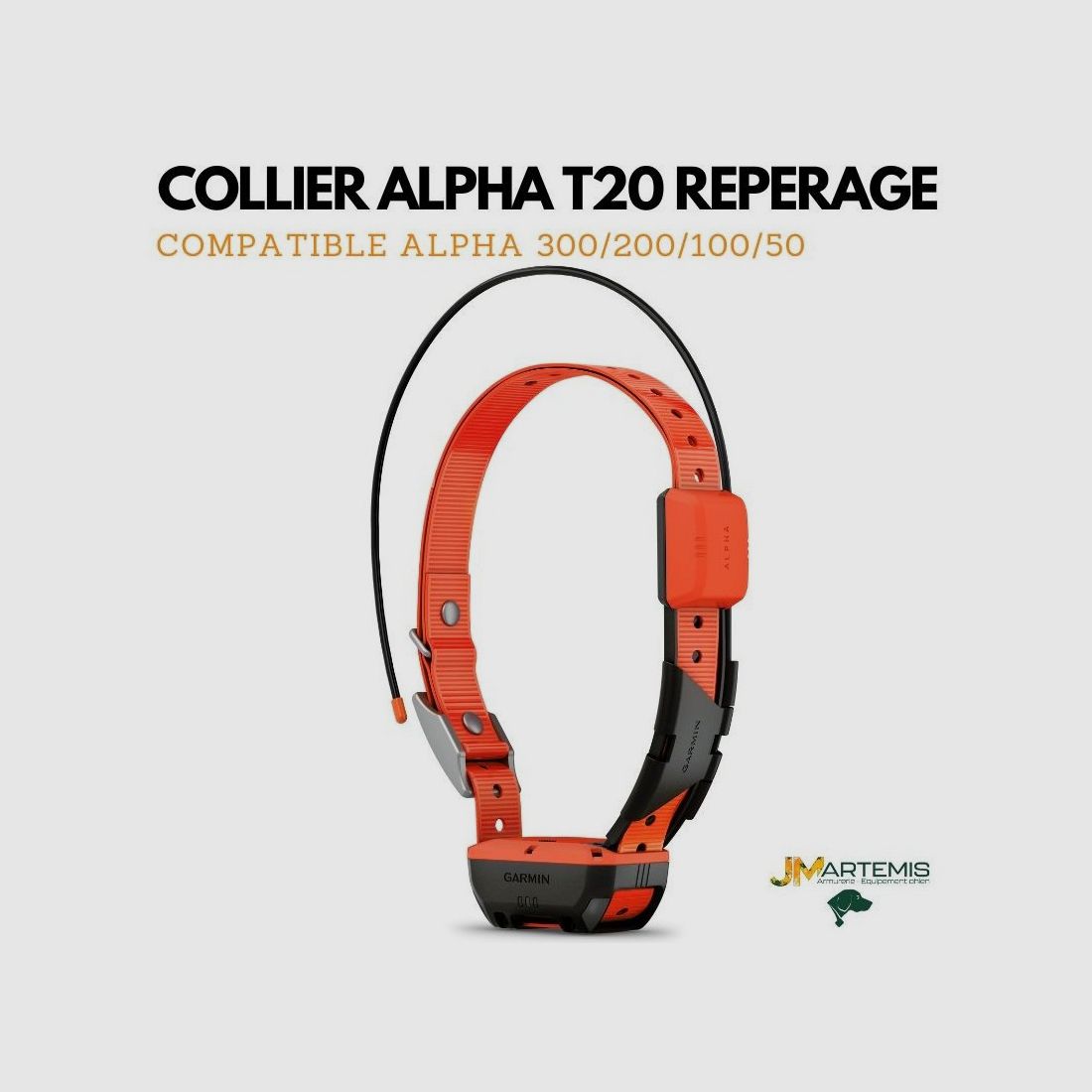

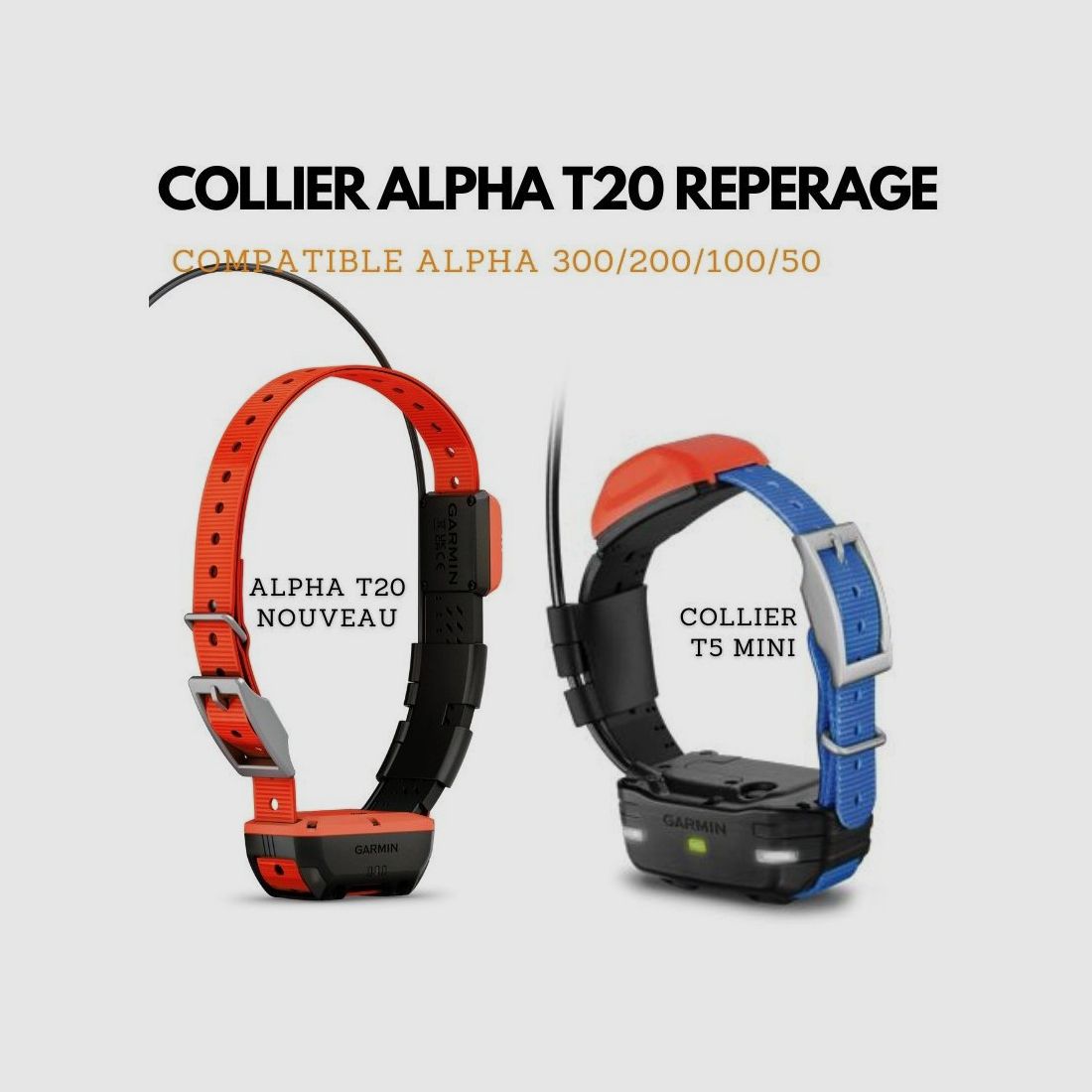
GARMIN T20 F Collar French Model
345 €
No permit required (18+)
13490 Jouques, France
0
ID: 10165728
Shop safely with Gunfinder
Our AI-powered seller identity verification makes Gunfinder the safest marketplace online.
Learn more
Details
- Original language
- French
- Brand
- Garmin
- Category
- Condition
- New
- Location
- 🇫🇷 13490 Jouques, France
- Availability
- Limited availability
Freshness
This listing is based on a mirrored offer, where the listing data was synced to us from a shop, dealer, or external marketplace. Please note that temporary price discrepancies may occur due to possible delays in data transmission.
- Source
- Jmartemis
- Last updated
- about 16 hours ago
Description
Note:
The item is located abroad. Please note that delivery conditions, shipping times, and/or the purchase process may differ.
Vous ne savez plus quel collier GPS est compatible avec votre centrale GARMIN , JMartemis vous éclair....
Les centrales GARMIN ALPHA 100, ALPHA 50,ALPHA 200 I, ALPHA 200 F, ALPHA 300 F sont compatibles avec le nouveau GARMIN sortie récemment le collier de repérage pour votre chien de chasse l'ALPHA T20
UN ÉCRAN TACTILE ET DES BOUTONS RÉACTIFS.
SUIVEZ VOS CHIENS SUR LE TERRAIN
COMMUNICATIONS VIA LA TECHNOLOGIE SATELLITAIRE INREACH2.
JUSQU'À 50 HEURES D'AUTONOMIE EN MODE INREACH ACTIVÉ.
ORIENTEZ-VOUS À L'AIDE DES CARTES TOPOACTIVE ET DES IMAGES SATELLITES TÉLÉCHARGEABLES
Des plateaux aux prairies vallonnées, en passant par les bois denses et les crêtes rocheuses, où que vous alliez, vous et vos chiens avez besoin d'un équipement fiable. Suivez et éduquez vos chiens1# avec l'appareil GPS portable Alpha® 300i F doté d'un nouvel écran tactile lumineux 3,5″, de fonctions de communication par satellite inReach®2 et de 6 boutons faciles à utiliser.
Comment ajouter un chien dans ma centrale GARMIN ALPHA ?
Pour effectuer un couplage sans fil, l'appareil pour collier canin doit se trouver à portée du système de navigation Alpha®.
Maintenez enfoncé le bouton Marche/Arrêt de l'appareil pour collier canin jusqu'à ce qu'il émette deux séries de bips (environ 2 secondes), puis relâchez le bouton.
Le voyant DEL d'état clignote bleu. L'appareil pour collier canin est maintenant prêt à être couplé avec un système de navigation.
Sur le système de navigation, sélectionnez Liste des chiens > Ajouter un chien.
Sélectionnez Coupler le collier et suivez les instructions à l'écran.
Après avoir ajouté l'appareil pour collier canin, saisissez le nom du chien et sélectionnez .
Sélectionnez une couleur de balise pour cet appareil pour collier canin, puis sélectionnez .